 AERMOD One™
formerly AERMOD Cloud®
AERMOD One™
formerly AERMOD Cloud®
AERMOD One™
formerly AERMOD Cloud®
AERMOD One™
formerly AERMOD Cloud®
Model Inputs & Results
Bring together model configuration, input data and predicted results in one organised summary for easy reference, verification and technical review.
Generate a model input and run summary directly from your AERMOD One project, bringing the model setup and selected results together without manually copying tables or assembling separate documents.
Bring together model configuration, sources and emissions, buildings, receptors, meteorological data details, selected assessment criteria and available run results.
Select the sections, detailed result tables, numerical precision and output options to include in your summary.
Bring the included pollutants and averaging periods together in one document, with emissions, selected criteria and results organised for review.
The summary records model inputs and outputs and presents comparisons with selected criteria. The modeller provides the rationale, interpretation and conclusions needed for the final assessment report.
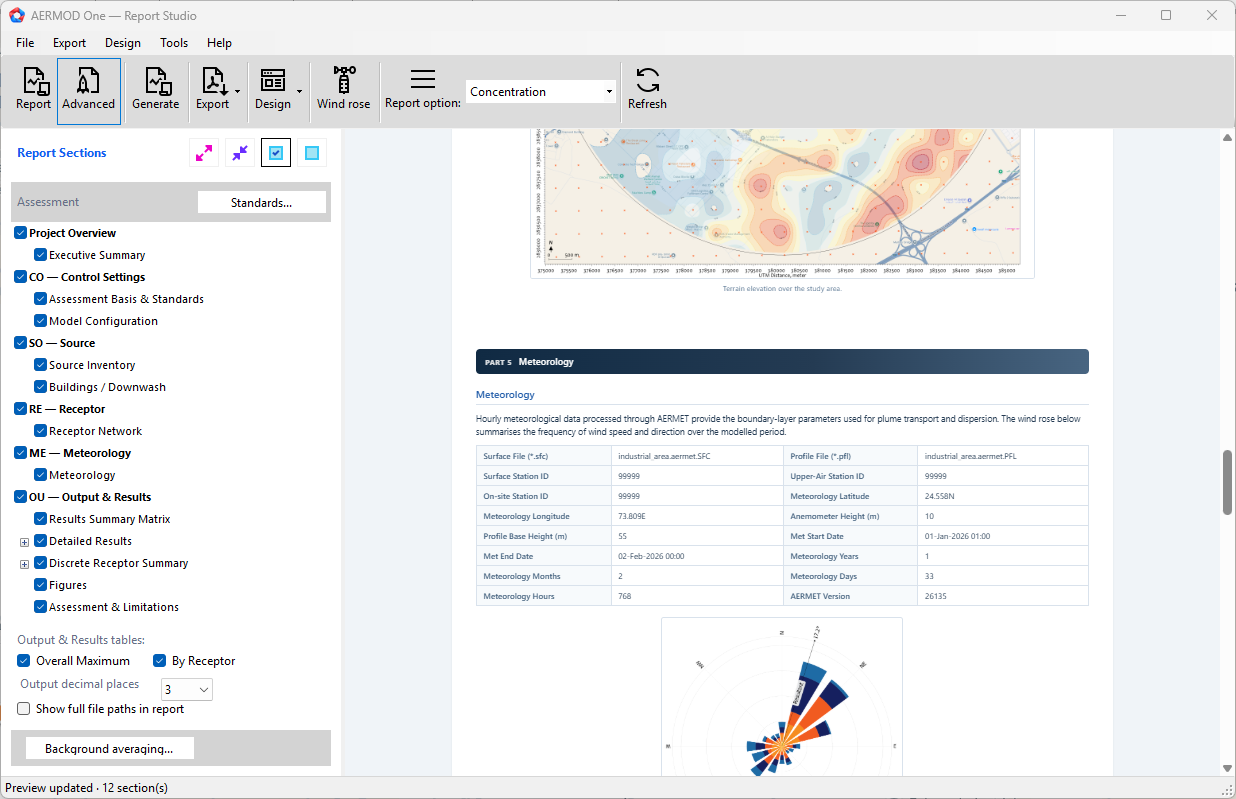
Report Studio brings the project's model inputs and available results into a structured summary, giving you more time to check the setup, interpret the outputs and develop your assessment.
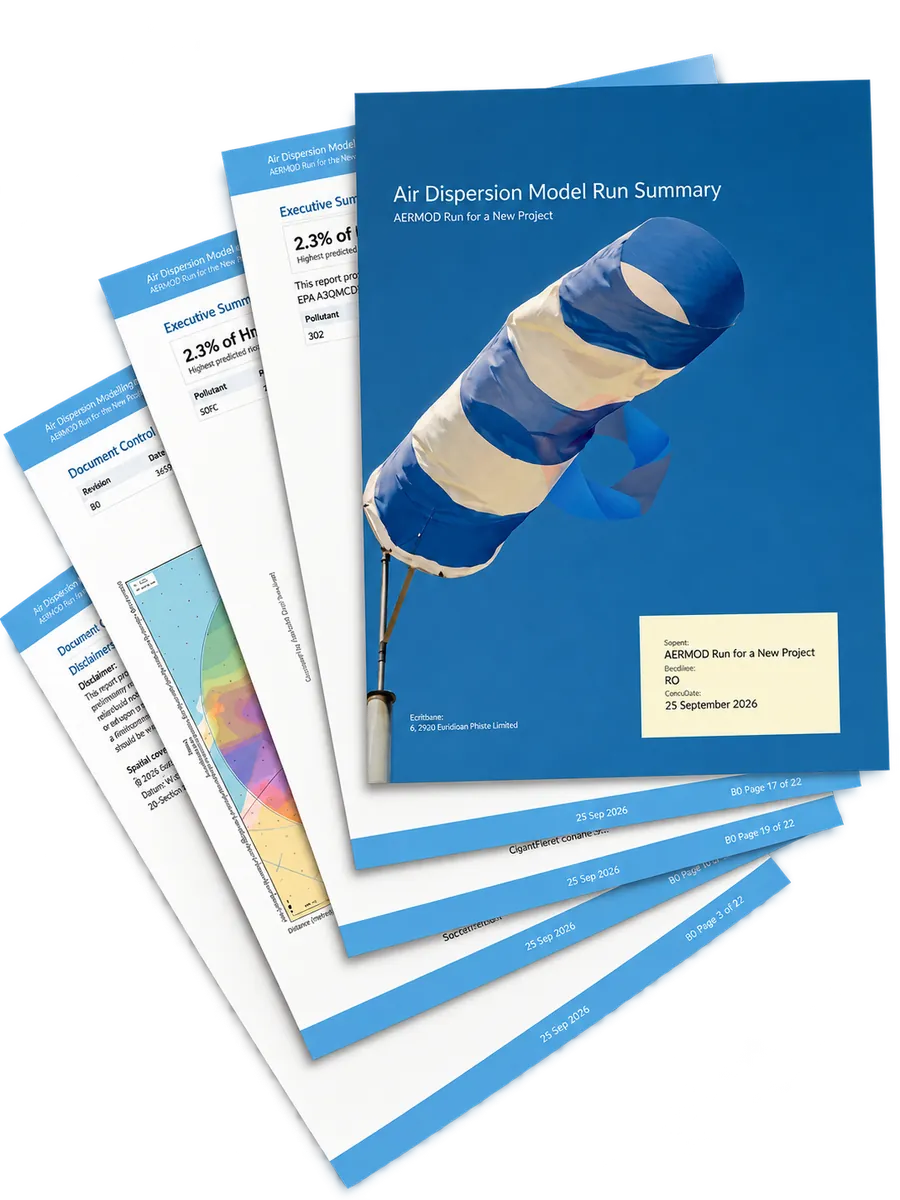
Consolidated model records
Summarise the included pollutants and averaging periods alongside source data, model settings and selected assessment criteria.
Use the generated document as a record of the model setup and results, and as supporting material for your professional assessment report.